Tempest
Platform
Software orchestration for
large engineering teams
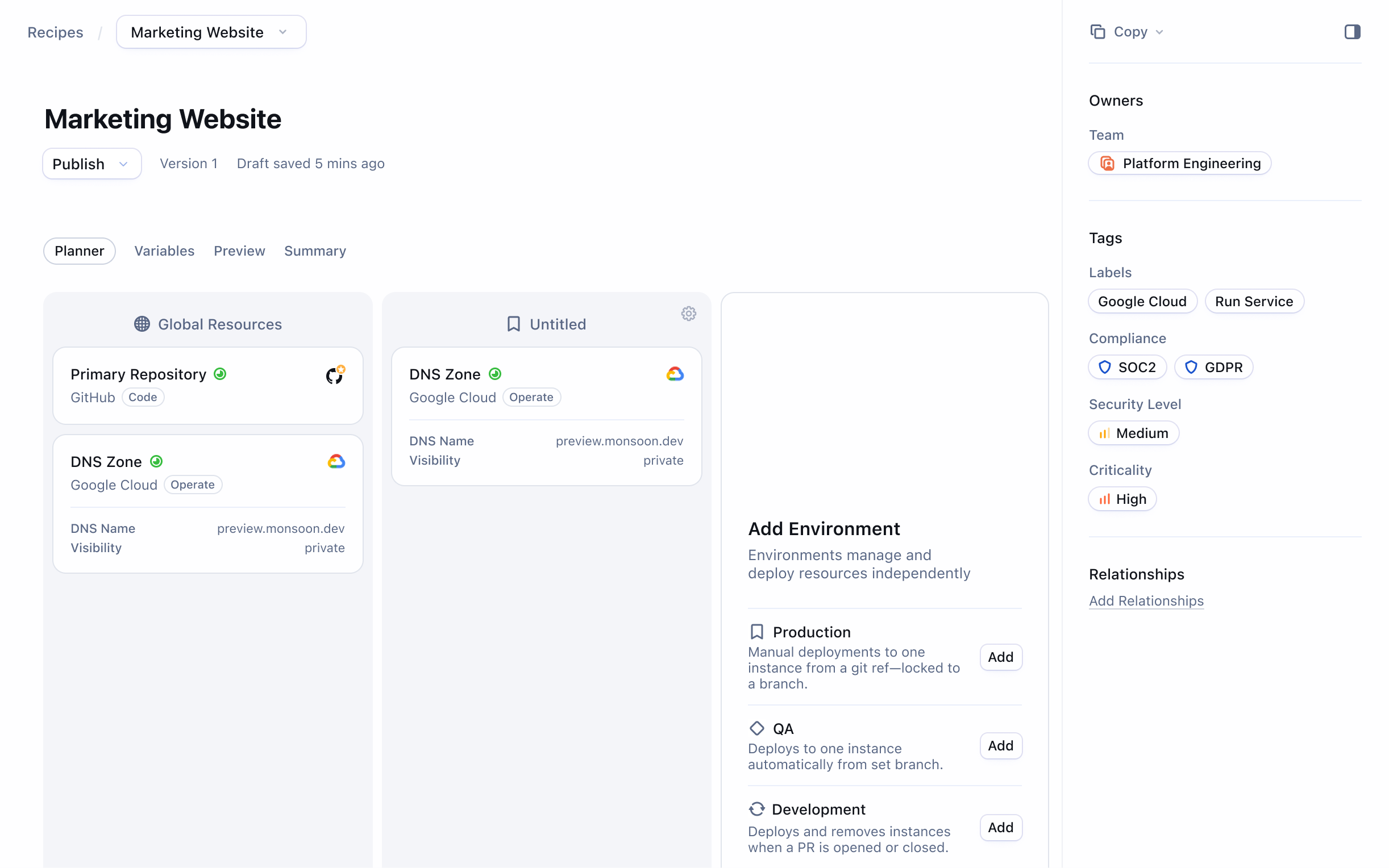
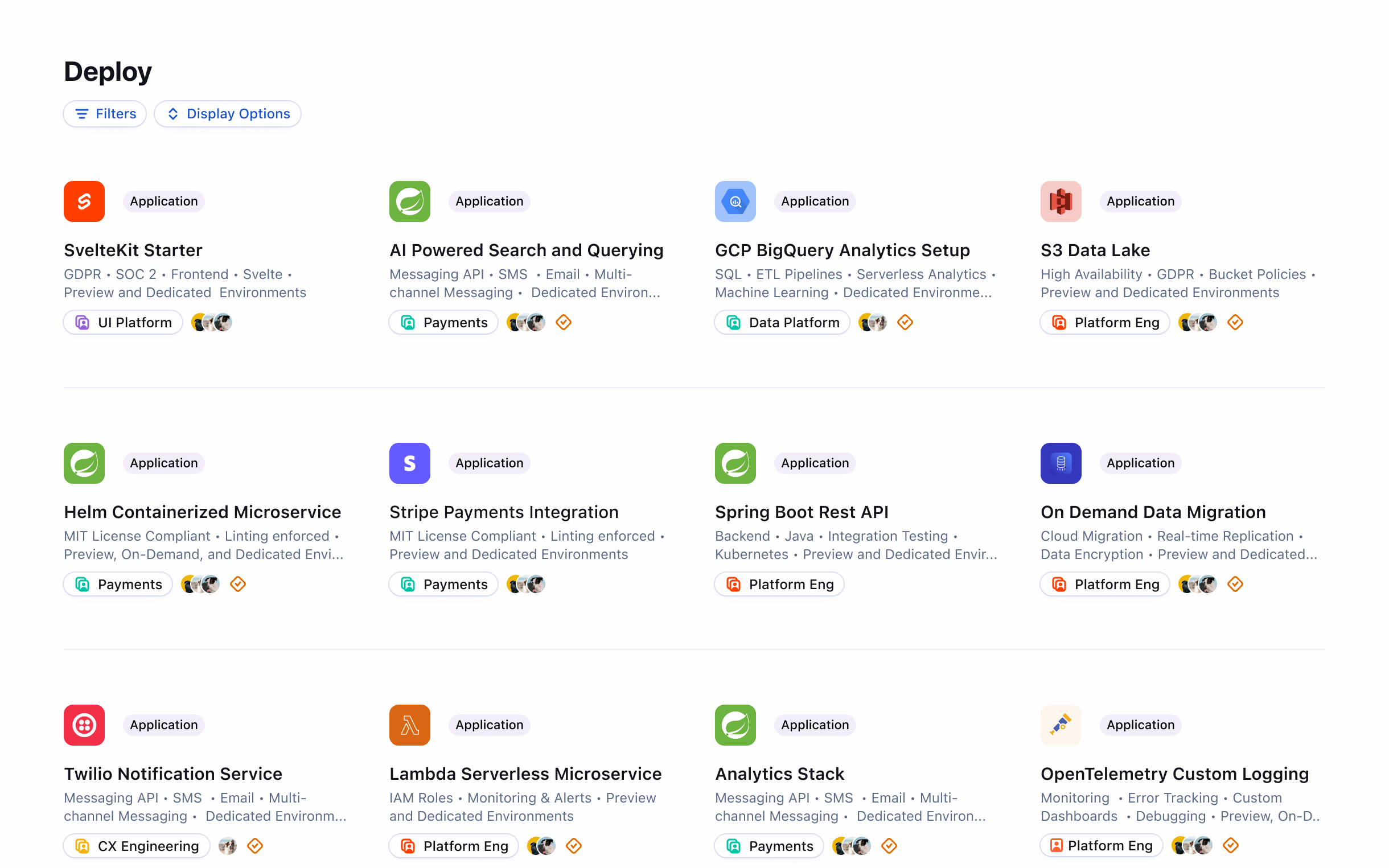
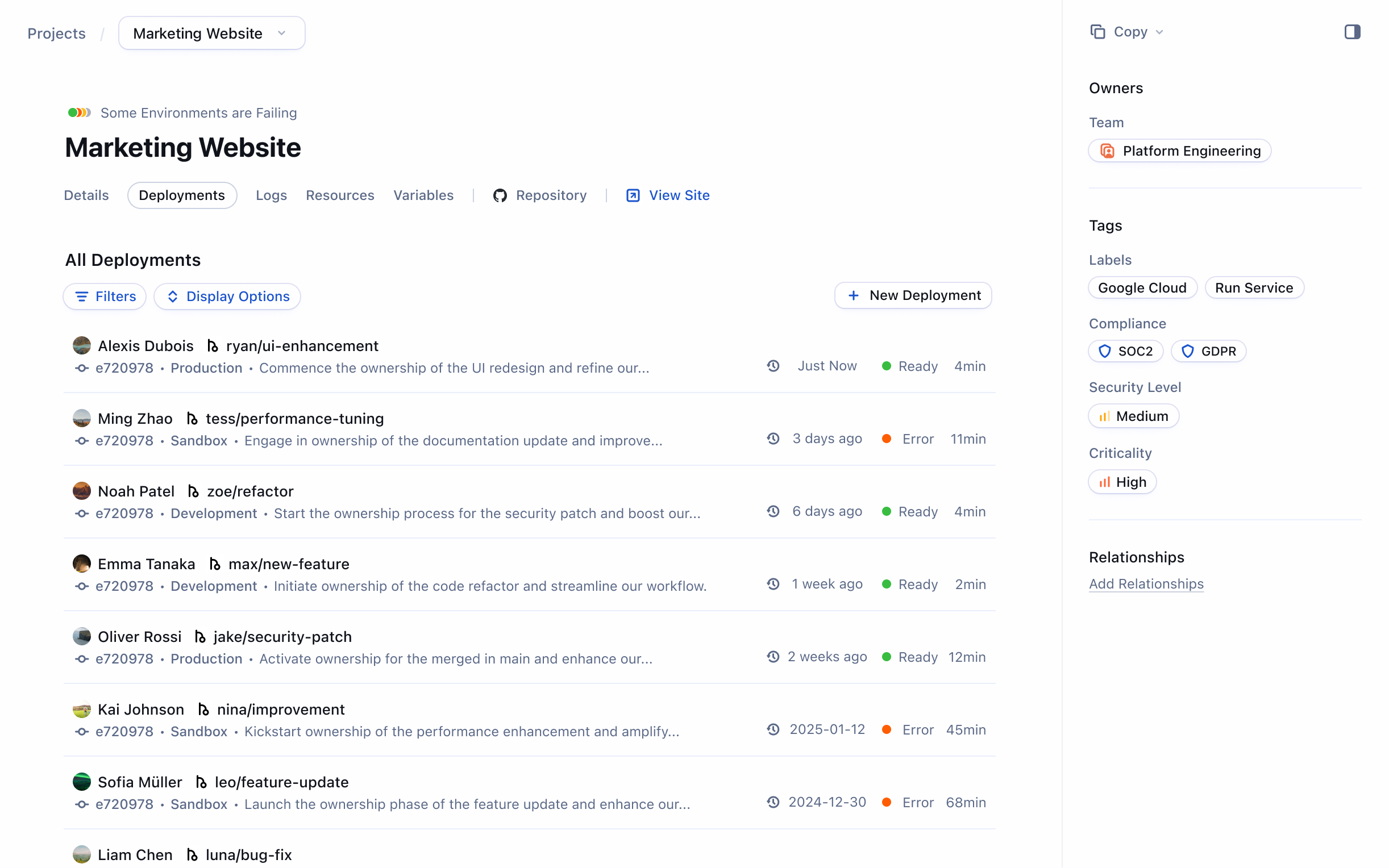
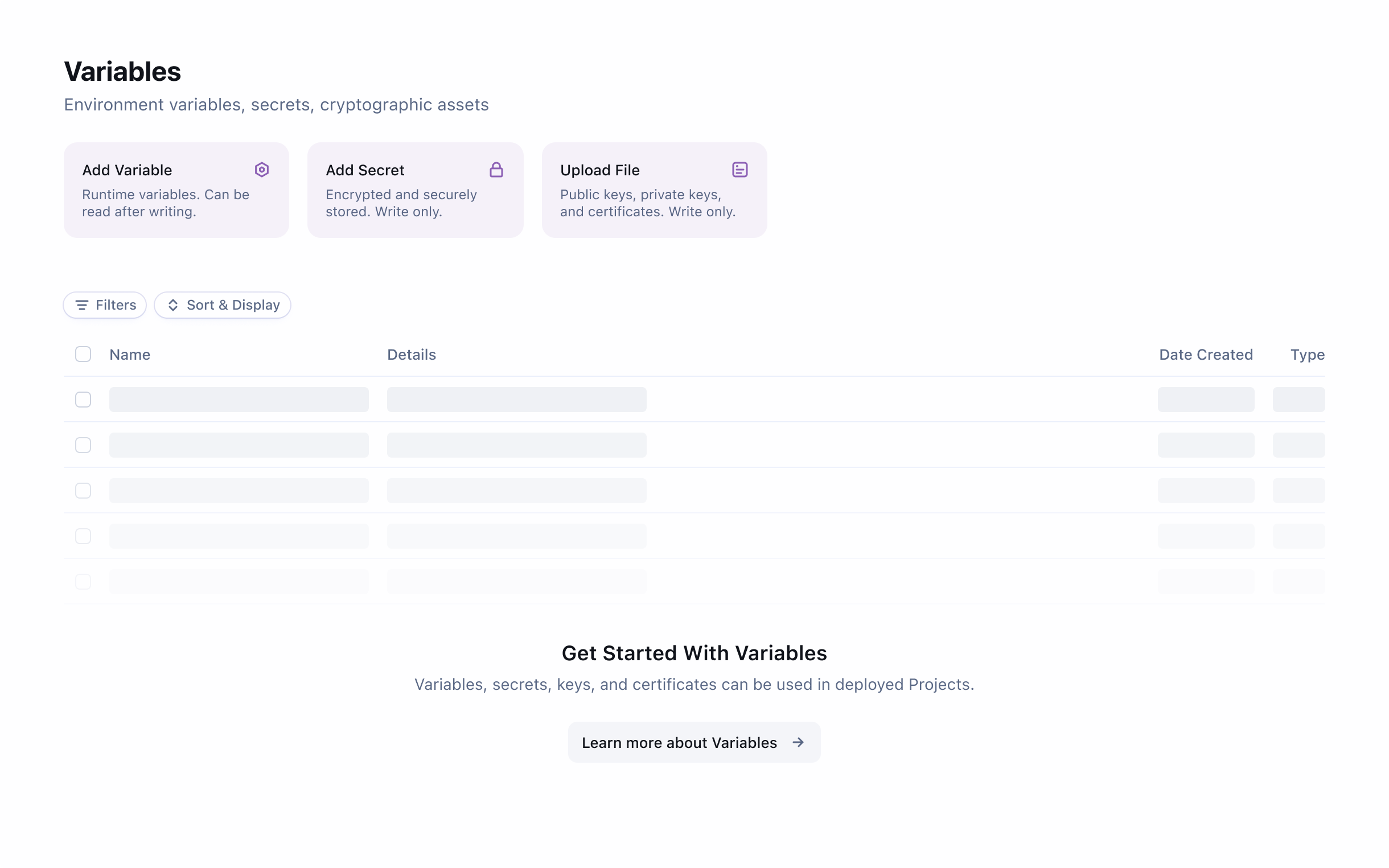
The Tempest Developer Platform helps engineering teams manage their growing catalog of deployed software, while also empowering teams without a dev-ops engineer to deploy code safely and effectively.
Table Navigation
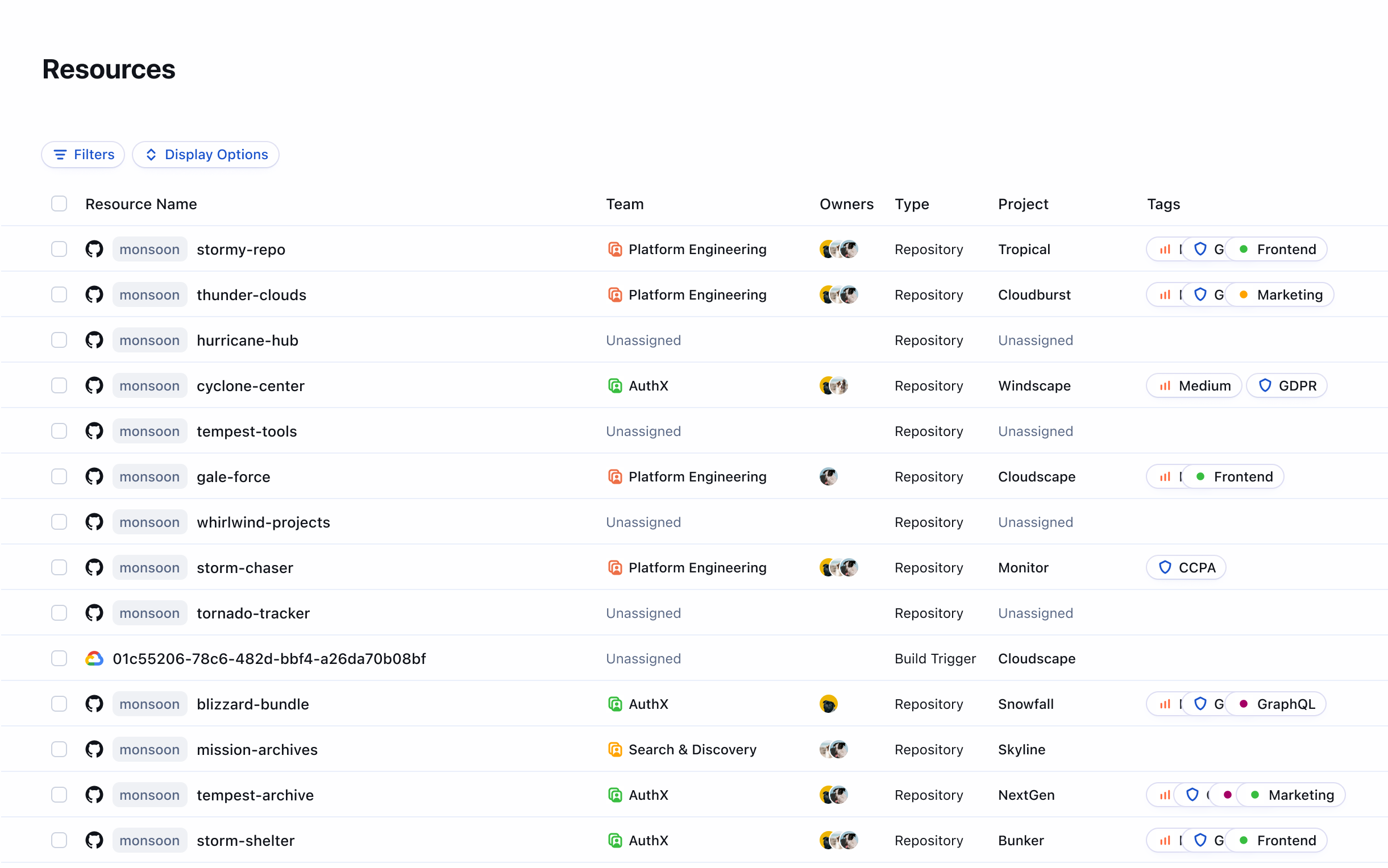
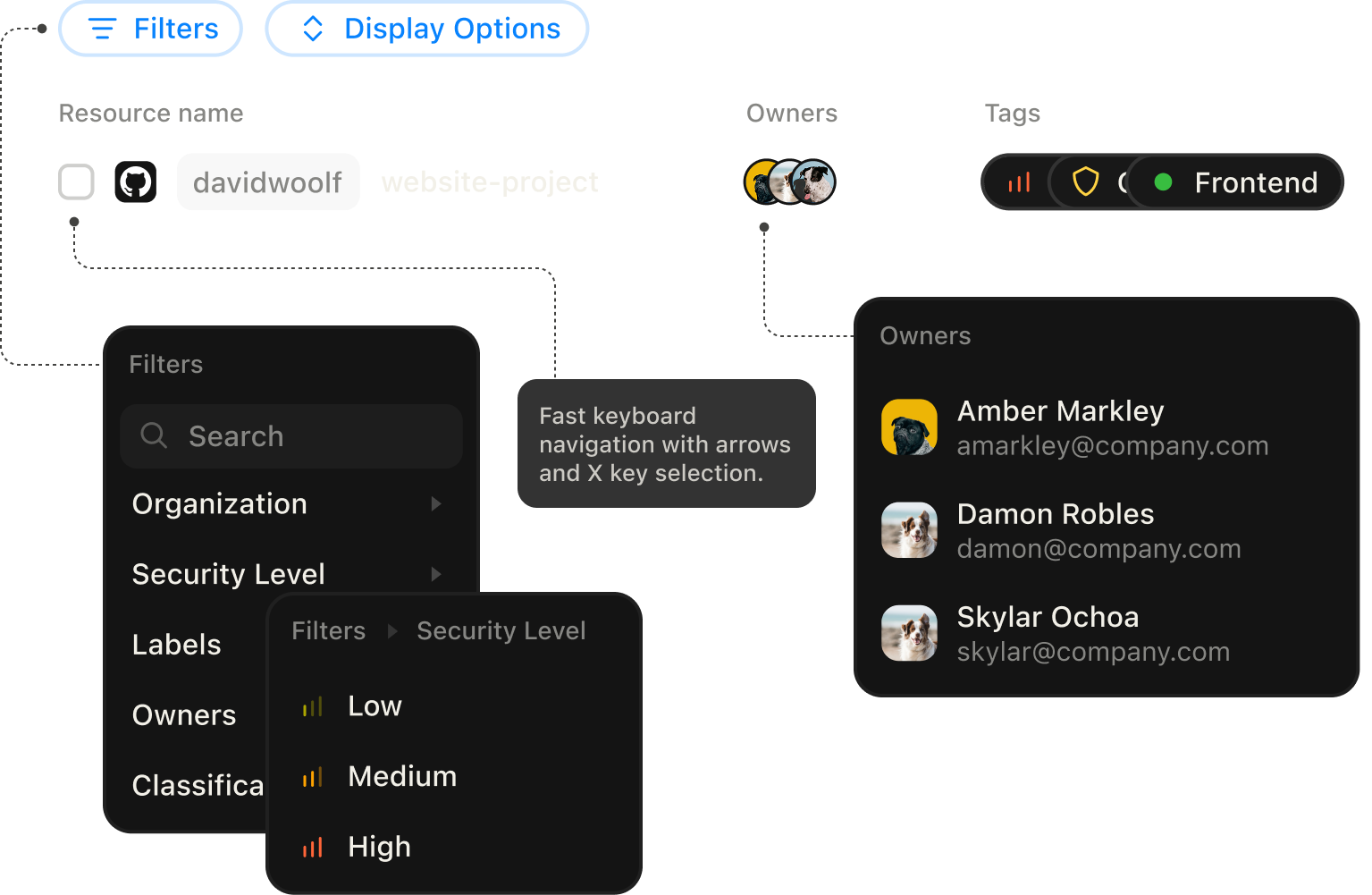
Tables regularly display thousands of rows. A combination of structured columns, scannable service icons, tags, and profile pictures assist with taking in content quickly.
Classification
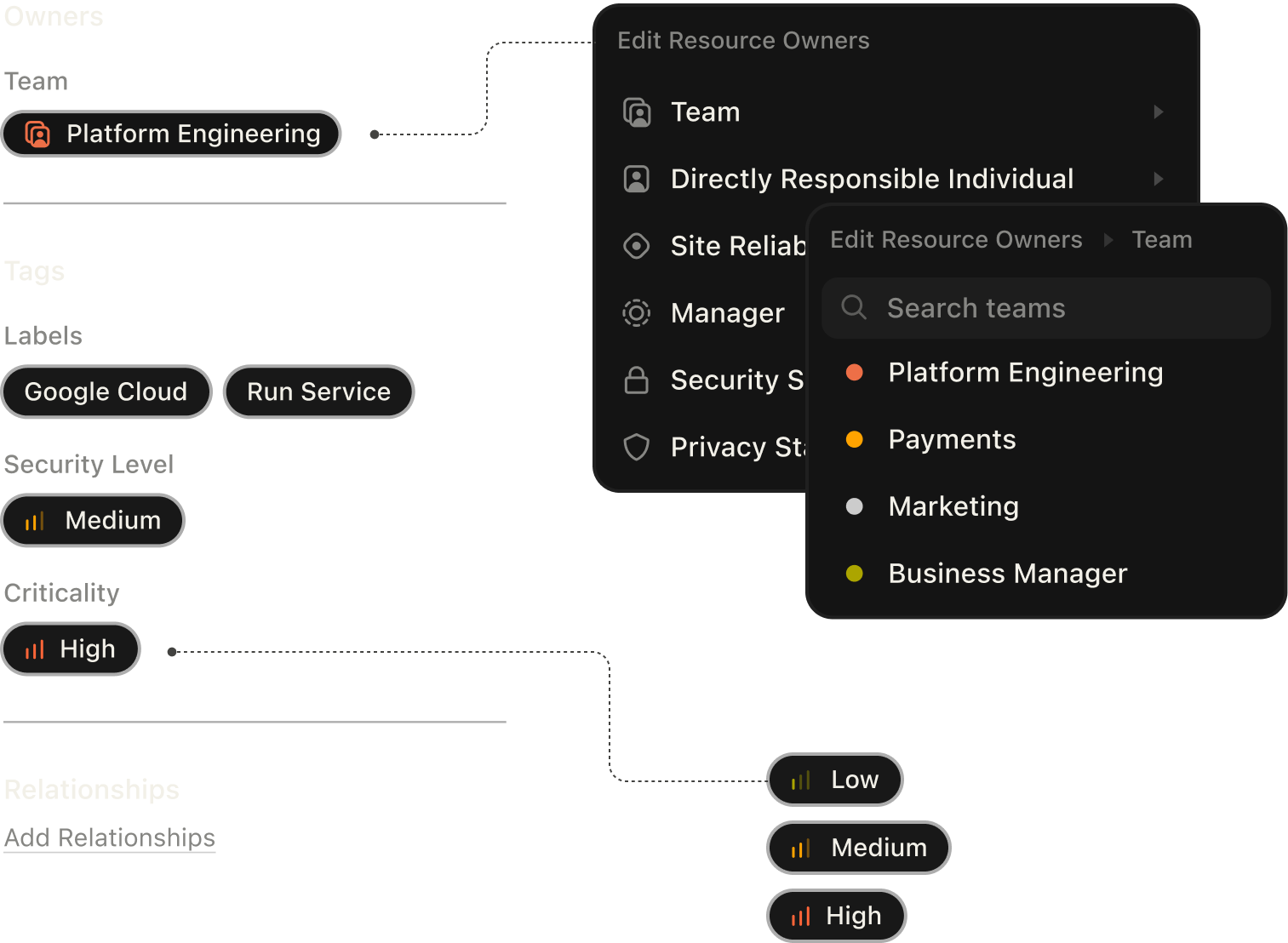
Large organizations require many signals for classifying both software and teams. In a developer platform, the use of these values in scheduled reporting makes keeping them up to date even more important. Color, iconography, and editing that supports 1 to 1000s of items makes this task realistic.
Design system
The design system starts with type, color, and iconography. These (along with design tokens) make spinning up high fidelity views in Figma easy, but are only a tiny percentage of the story. With software, it’s common that the “ideal” design system lives in design, while the real design system lives in code. Here, we explore how the design system exists between the two and how to scale a design to thousands of views.